


Understanding the News Feed as a Mentor
The News Feed is a social space within the Community section where members can share insights, post articles, engage in discussions, and stay informed about what is happening across the incubator. As a mentor, it is one of the most effective ways to stay visible, share your expertise, and build meaningful relationships with founders and fellow community members.
Access to the News Feed depends on the permissions configured for your user role by your program administrator. If you do not see the News Feed, contact your program administrator to have it enabled.
Where to Find the News Feed
Click on Community in the top navigation menu. The News Feed is the primary landing page of the Community section.
Step-by-Step
1. Create a Post
- Click on the post creation box at the top of the feed to open the editor.
- Use the toolbar to format your text with Bold, Italics, Underlines, Blockquotes, or Bulleted and Numbered lists.
- Add media and links — upload images, videos, or file attachments directly, or paste a URL to generate an automatic link preview (including title, image, and snippet).
- Click Post to share it with the community.
2. Engage with the Community
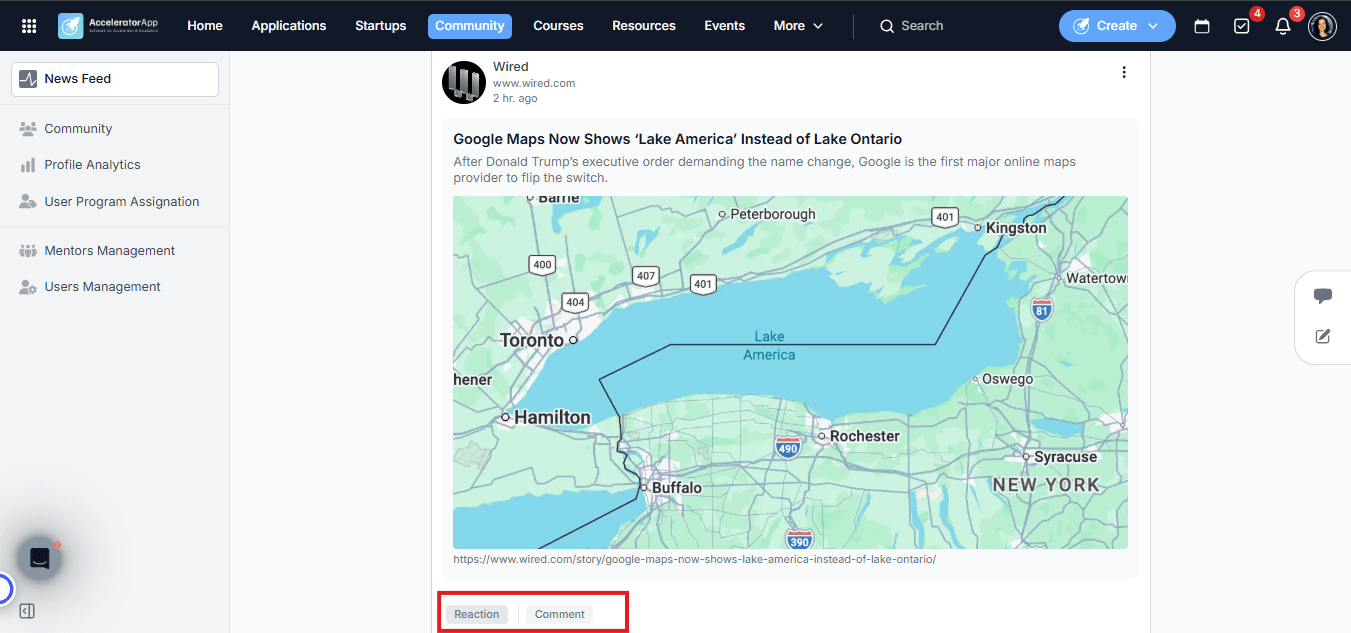
- Reactions — use emoji reactions to respond to posts or comments quickly without writing a reply.
- Threaded conversations — reply to posts and engage in discussions. The feed supports up to two levels of threading (post → reply → nested reply), keeping conversations organized and easy to follow.
- Mentions — type @ followed by a name to tag a specific user. They will receive an immediate notification, making it easy to direct a question or shout-out to the right person.
Best Practices
- Share your expertise proactively. The News Feed is a low-effort way to add value to the community — sharing a relevant article, a quick tip, or a lesson learned from your own experience can spark meaningful conversations with founders.
- Use mentions to spark direct engagement. If you read a post that reminds you of a founder's challenge, mention them directly — it creates a personal connection and shows you are paying attention.
- Engage with founders' posts. Reacting or replying to what founders share is a simple way to stay visible and signal your availability as a resource — even outside of formal coaching sessions.
- Stay consistent. Regular participation — even just a reaction or a short comment — keeps you present in the community and reinforces your role as an active mentor in the ecosystem.